Motor Legends Codes
Active Cash codes, redeem steps, and a verify list for older promos.
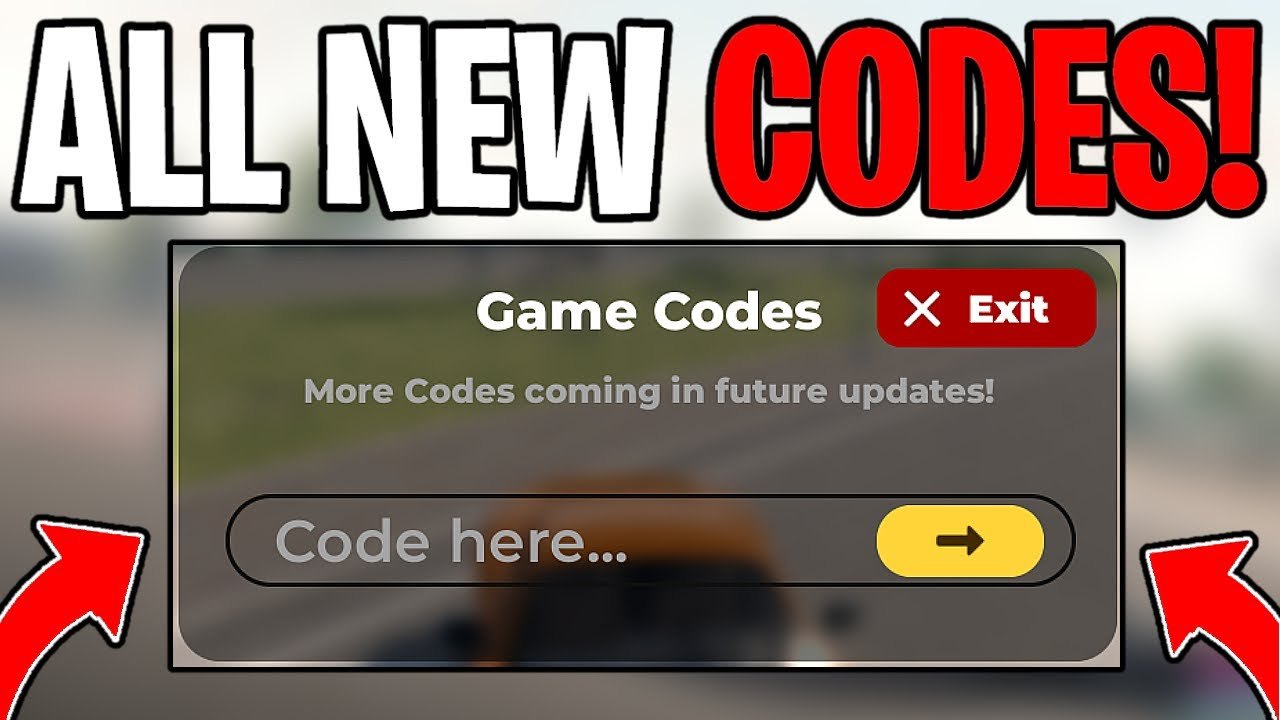
Motor Legends (Racing & Drifting) by Quack! Studios regularly drops promo codes that grant Cash—the currency you spend on cars, upgrades, and garage work. Because the experience is still in early development with weekly patches, codes appear after updates, milestones, and seasonal events. This hub lists active codes curated for November 2026, explains how rewards fit into progression, and links deeper redeem and grinding guides so you do not leave free Cash on the table.
Codes are case-sensitive. Copy them exactly, including capitals. If a code fails, it may have expired, been mistyped, or already been claimed on that account. Keep this page bookmarked and cross-check Updates after each weekly drop.
How to redeem codes
- Launch Motor Legends on Roblox and join a server (server size is 15).
- Open Settings via the gear icon in the bottom-right of the screen.
- Tap the yellow Codes button.
- Paste a code exactly as listed and confirm.
- Check your Cash balance—rewards usually apply immediately.
Need screenshots-level detail, mobile quirks, or error troubleshooting? Read the full walkthrough: How to Redeem Codes.
Active codes (November 2026)
These codes are the current highlighted set. Rewards are primarily Cash. Try them first before grinding races.
| Code | Notes |
|---|---|
GRAPHICSUPDATE | Highlighted official code—try this first |
UPDATE25 | Highlighted with the GRAPHICSUPDATE era |
HALLOWEEN | Seasonal promo; redeem while still live |
UPDATE24 | Weekly update wave |
SEASON4 | Season 4 celebration Cash |
UPDATE23 | Prior weekly drop |
REVAMP26 | Revamp-related promo |
LateUpdateSorry | Apology Cash for delayed patch |
UPDATE21 | Earlier weekly code |
4THOFJULY | Holiday event leftover still circulating |
FREEDOM | Paired holiday promo |
Always redeem GRAPHICSUPDATE and UPDATE25 on every new account—they are the most frequently mentioned live codes in community videos and Discord pins.
Older codes to verify
The list below may still work for some accounts. Treat them as verify—not guaranteed. Try each once; if the game rejects it, move on. Do not spam the same invalid code.
UPDATE20, WHEELSPINS, UPDATE18, 4MILLION, SEASON3, UPDATE17, UPDATE15, VALDARI, 2012TAKUMI, UPDATE14, NAKAJIMA, UPDATE12, MAVRIXF1, UPDATE13, PaceNotes, LateAgain, DirtCircuit, LateUpdate, NewTeam, TOFU (about 25k Cash when live), THX100K (about 30k), UPDATE3 (about 100k), ROCKSTAR (about 15k), UPDATE4 (about 25k), IMTHEPILOT (about 30k), PAPAYA (about 65k), SORRYFORLATE (about 250k), LEMANS (about 45k), UPDATE6 (about 35k), ONEWEEKLATE, SIDEWAYSCULTURE, UPDATE7, VORTEXO, UPDATE_7, UPDATE8.
Reward amounts above reflect common community reports when those codes were active. Live payouts can change; the in-game redeem message is the source of truth.
Why codes matter in early access
Motor Legends is an open-world racing experience: race, drift, cruise, and customize supercars and hypercars. Cash gates garage progress. Codes compress the early grind so you can unlock a stronger starter, buy drift tires sooner, or fund a mid-tier sports car before your first serious race night. Pair free Cash with the tips in How to Earn Cash instead of relying on promos alone.
Season 4 (active as of November 2026) continues the weekly update cadence. New codes often land alongside graphics passes, car drops, or apology notes when a patch slips. Follow Season 4 notes and the main Updates Hub so you know when to refresh this list.
Safety and common mistakes
- Never pay a stranger for a “private code.” Official drops come from Quack! Studios channels and in-game UI.
- Do not share your Roblox password when someone offers to “redeem for you.”
- Codes are per account; alt accounts may claim the same code separately if the system allows it.
- If Settings is missing the yellow Codes button, rejoin the place or wait for the UI to finish loading—especially on mobile.
For executor and script questions (auto farm Cash, etc.), see the Scripts Hub and read the risk warnings before touching any third-party tool.
Related pages
- How to Redeem Codes — step-by-step redeem + troubleshooting
- How to Earn Cash — races, grinding loops, and garage priorities
- Getting Started — first-hour plan that includes claiming codes
- Updates Hub — weekly patch context for new promos
- Official Links — Discord and Roblox group for code announcements
Stay consistent: redeem active codes, verify older ones once, then spend Cash on upgrades that match your goal—racing pace or drift style—using the Tier List Hub.
Frequently Asked Questions
Quick answers to the most common questions.
Where do I redeem Motor Legends codes?
Open Settings with the gear in the bottom-right corner, tap the yellow Codes button, paste a case-sensitive code, and confirm. Full steps: /codes/how-to-redeem/.
What do Motor Legends codes give you?
Most active codes grant Cash used for cars and upgrades. Exact amounts appear in the redeem confirmation.
Are GRAPHICSUPDATE and UPDATE25 working?
They are the highlighted official codes in the November 2026 curated list. Redeem them first; if either fails, it may have expired—check Updates and Discord.
Why did my code say invalid?
Codes are case-sensitive, can expire after weekly updates, or may already be redeemed on that account. Fix typos, try another code, or verify older codes only once.
How often are new codes released?
Quack! Studios ships weekly updates during early development. New Cash codes often appear with patches, seasons, or apology notes—watch the Updates Hub and Discord.