How to Drift in Motor Legends
Break traction on purpose, hold angle, and tune the car to help—not fight—you.
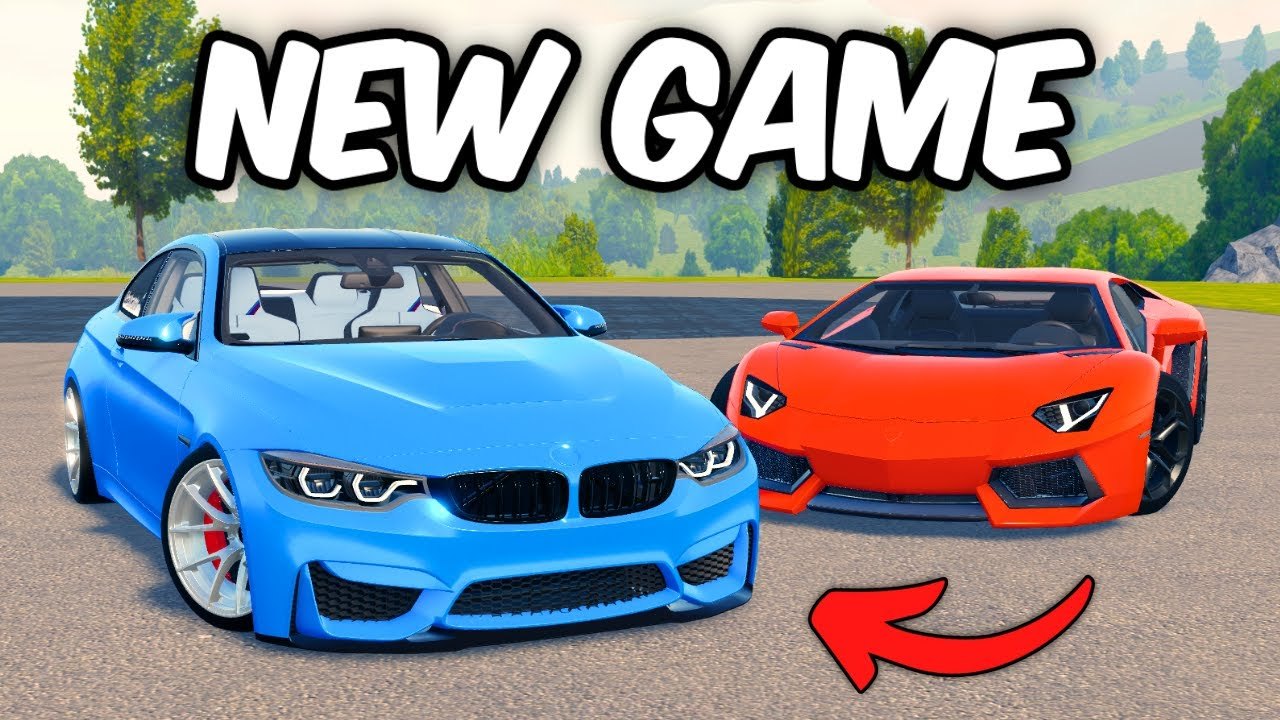
Drifting is one of Motor Legends’ headline fantasies: open-world asphalt, smoke, and a car that rotates when you ask. This guide teaches a repeatable technique loop—initiate, hold, exit—then points you at the right cars and garage settings. Pair it with the Drift Cars Tier List and Car Customization.
Motor Legends by Quack! Studios is still early access with weekly Season 4 updates. Grip values can shift after patches. When a tune suddenly feels glued or snap-happy, re-test rather than blaming yourself alone—check Updates.
Mindset before the first slide
Drift practice is not the same as race pace practice. You want controllable slip, not the fastest sector time. Leave the hypercar race setup in the garage. Choose a mid-power, RWD-friendly platform from the drift tier list, ideally A or B while learning.
Confirm controls so handbrake, throttle, and steering feel natural on PC or mobile. If your handbrake bind is awkward, fix that before burning Cash on tires.
Step 1 — find a safe practice canvas
Look for:
- Long sweeping corners or empty lots in the open world
- Light traffic moments in ~15-player servers
- Predictable asphalt rather than random dirt until you can catch slides
Cruise first. Mark a corner you can repeat without interrupting active races. Friends from the Players Hub can block traffic politely for film sessions—ask first.
Step 2 — initiation methods
Most players combine two or three of these:
- Handbrake tap — unsettle the rear, then release and catch with steering + throttle.
- Throttle lift then stab — enter with speed, lift to transfer weight forward, add throttle to rotate.
- Scandinavian / weight flick (advanced) — steer one way briefly, then the other as power comes on.
Start with handbrake taps at moderate speed. If you spin every time, slow the entry. If nothing happens, you may be on race tires or in a grip-biased car—swap compounds or pick a better drift shell.
Step 3 — holding angle
Once the rear steps out:
- Steer into the slide (countersteer) enough to see where the nose points
- Feather throttle to keep rotation alive without a 360
- Look through the corner, not at the nearest wall
- Release countersteer gradually as the car straightens
Common failure: panic brake mid-angle. That often snaps the car around. If you must abort, controlled brake + straighten is safer than slamming every input at once.
Step 4 — clean exits
A stylish drift still ends with a driveable exit:
- Ease off extreme angle as the road opens.
- Unwind steering.
- Progressively add throttle only when the tires regain a usable contact patch.
- Straighten before the next braking zone if you are chaining corners.
Chained drifts look best when each exit sets up the next entry. Film one corner until exits are boringly consistent, then add a second corner.
Setup that helps drifting
Garage priorities (details in Car Customization):
- Tires: drift-oriented or softer compounds that rotate; pure race slicks fight you
- Suspension: allow rear load transfer; avoid rock-hard race stiffness while learning
- Performance / power: mid power first; add stages only after you can catch slides
- Appearance: lower carefully—scraping kills practice rhythm
If the car only understeers, it may belong on the racing tier list instead. Do not force every hypercar to be a drift toy.
Practice drills (15–20 minutes)
- Figure-eight lot — initiate left, catch, initiate right, catch.
- Single long sweeper — hold one continuous angle without correcting into a spin.
- Abort drill — intentionally abort mid-slide to practice safe recoveries.
- Throttle-only holds — minimize handbrake once you can sustain with power.
- Traffic awareness — add light server traffic only after empty-lot consistency.
Track Cash needs separately. Drifting for style does not always maximize earnings—use Earn Cash race loops when the garage needs funding, then return to slide practice.
Codes, Cash, and drift progress
Free Cash from the Codes Hub (GRAPHICSUPDATE, UPDATE25, and friends) should buy tires and a drift-capable car, not only chrome. Redeem via How to Redeem Codes if the Settings path is unfamiliar.
Skip auto-drift scripts. Injected assists teach nothing and risk bans during Season 4’s weekly anti-abuse passes. Skill you earn keeps working after patches.
Session plan for Season 4 evenings
- Redeem any new weekly codes.
- Warm up with two clean race laps to wake up throttle control.
- Switch to the drift car and run the five drills above.
- Tune one suspension or tire click at a time; note the change.
- Optional cruise with a crew from Discord & Group.
- Skim Season 4 if a patch landed mid-week.
Related pages
Drifting clicks when inputs get quieter, not louder. Slow down, soften the rear, and make the car tell you what it wants—then add power.
Frequently Asked Questions
Quick answers to the most common questions.
Why do I keep spinning out?
Entry speed or power is too high for your skill. Slow down, reduce power stages, and practice handbrake taps with earlier countersteer.
Which car should I drift first?
A mid-tier sports or A-tier drift pick from the Drift Cars Tier List beats a max-grip hypercar for learning.
Do I need special tires?
Drift-friendly compounds help a lot. Race slicks often refuse to rotate. Adjust tires in Car Customization.
Is drifting the best way to earn Cash?
Not always. Use Earn Cash race loops for funding, then drift for skill and style.
Will updates break my drift tune?
Season 4 weekly patches can change grip. Re-test after Updates notes and tweak one setting at a time.